Write Your AI Phone Agent Requirements Before the First Demo
An AI phone agent demo can make several workflows look like one product. Write the requirements first so every vendor must show the same job, boundary, data movement, and staff handoff.
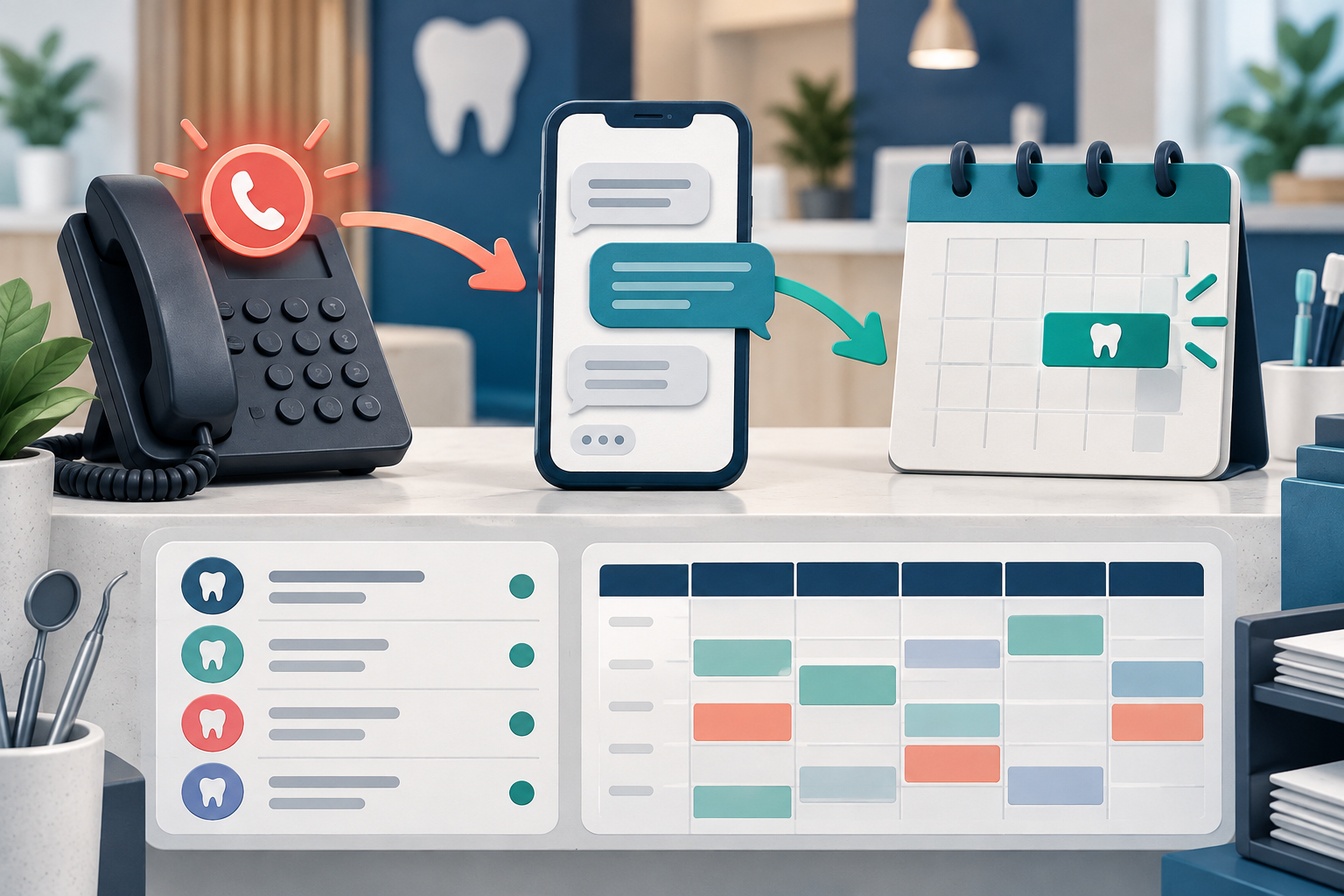
Begin with the call problem
State which calls need help and when:
- unanswered calls during office hours;
- after-hours callers;
- overflow during busy periods;
- routine scheduling calls;
- outbound reminders or follow-up;
- callers who need a person.
Do not begin with “we need an AI receptionist.” Begin with an observable failure and a required end state.
One practice connected to the DentalTechHub team implemented Peerlogic’s Aimee as a missed-call text-back layer while retaining its existing PMS and phone platform. That specific deployment recovered missed interactions through text; it did not establish what every product or installation does. 1
Define the channel precisely
Require the proposal to state whether the agent:
- answers live calls;
- texts after a missed call;
- combines voice and text;
- uses the practice number or another number;
- transfers live, creates a task, or sends an alert.
Peerlogic’s public support material checked September 14, 2026 described configured question answering, supported appointment booking, task alerts, and staff handoffs. Treat those as dated vendor claims and verify the purchased configuration. 2
Write allowed and excluded work
List the tasks the agent may complete without review. Then list tasks that must stop or transfer.
Common boundaries include:
- clinical or medical questions;
- patient-specific financial questions;
- urgent symptoms;
- unsupported appointment types;
- requests for a person;
- identity or insurance details outside approved collection rules;
- exceptions that change provider or schedule constraints.
For every excluded task, name the receiving role and response expectation.
Define scheduling rules as data
The practice should document active providers, locations, appointment types, durations, scheduling templates, blocked times, and booking restrictions. In the documented implementation, an outdated provider roster and inconsistent schedule templates had to be cleaned before automated booking could be trusted. 3
Ask the vendor which of those rules come from the PMS, which are copied into its platform, and how changes stay synchronized.
Specify the evidence you expect
The demonstration should show:
- a normal supported call;
- a booking into the correct provider and time;
- a request outside scope;
- a direct request for a person;
- a failed transfer;
- the note, task, or PMS update created;
- the staff view of unresolved work;
- the audit trail.
Use de-identified test records or an approved sandbox. Do not enter patient information into an unapproved demo environment.
Measure the pilot
Track the work, not only call volume:
- calls or messages entering the workflow;
- supported tasks completed correctly;
- handoffs accepted by staff;
- unresolved tasks at the end of the day;
- booking corrections;
- duplicate messages;
- staff review time;
- patient requests to opt out or speak to a person.
Define what would make the practice stop or narrow the pilot.
Put requirements into the contract discussion
Ask which capabilities, channels, integrations, support levels, and usage limits belong to the quoted plan. Record implementation responsibilities, data cleanup, testing, training, cancellation, and export terms. Avoid relying on product-level marketing to describe the purchased configuration.
Read the first-hand rollout case study and the workflow comparison of text-back and live answering before writing the demo script.
Frequently asked questions
How detailed should requirements be before the first demo?
Detailed enough to describe the trigger, allowed tasks, exclusions, data source, end state, and handoff owner for the main workflow.
Should a practice require every feature at launch?
No. Start with a narrow, measurable job. Expand only after the normal path and exceptions are stable.
What is the most important integration test?
Show the complete workflow using the practice’s PMS rules, then inspect the resulting appointment, note, task, and staff handoff.
Sources and methodology
- DentalTechHub first-hand practice implementation record
- Peerlogic support workflow checked September 14, 2026
- DentalTechHub first-hand implementation data-cleanup record