"Allowed" and "Works With" Are Not the Same Thing
A PMS partner page may call a product “Authorized,” “Recommended,” “Connected,” or simply place its logo on a wall of partners. It is tempting to read every one of those labels as the same promise: this product will work well with my PMS.
That is more than the label can prove.
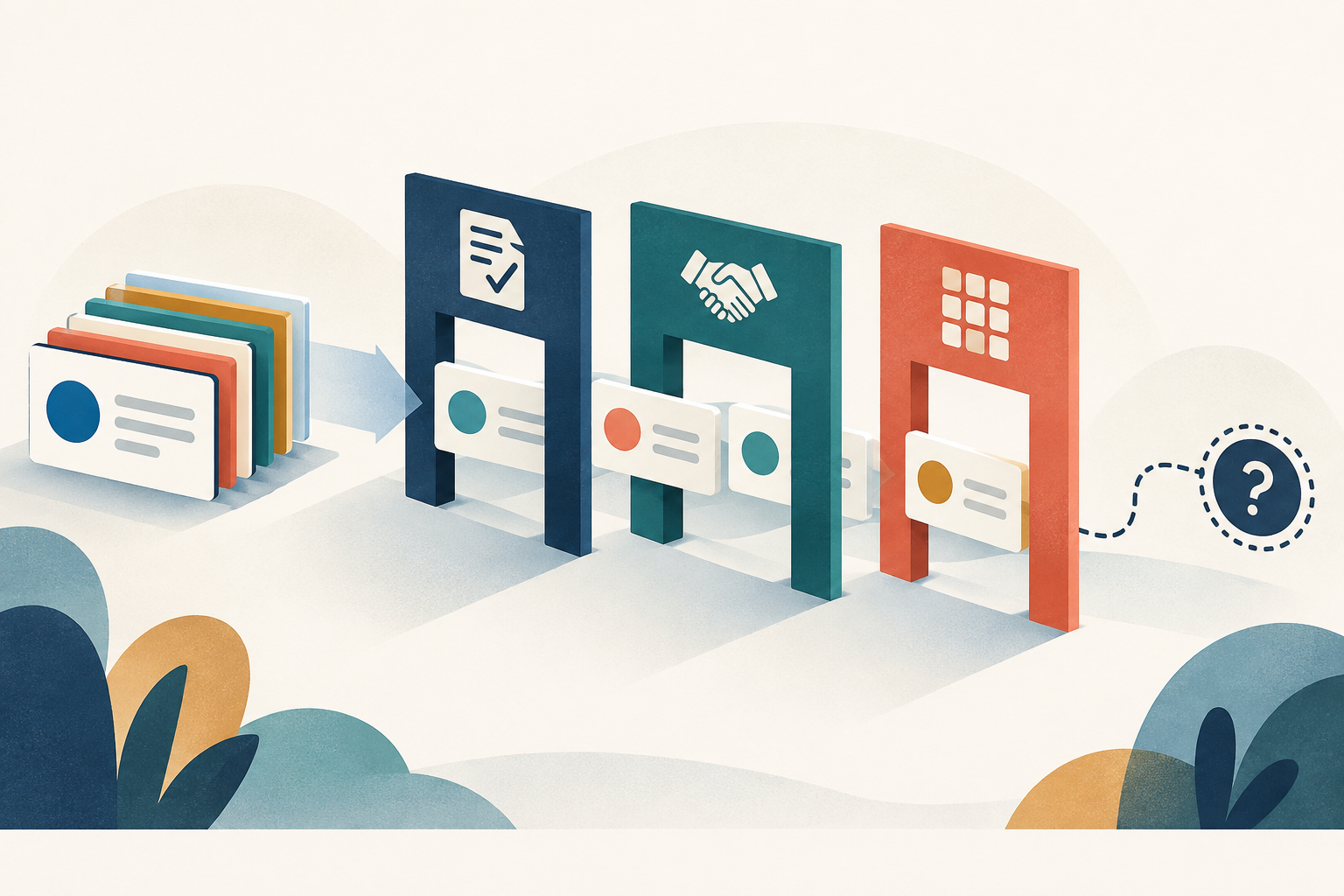
DentalTechHub compared the partner-list language used by 14 dental PMS systems in a snapshot collected on September 6, 2026. Across those pages, we found 22 different published labels for what a buyer may read as one idea. The wording describes several different relationships, and the pages change over time. 1
One buyer question, three kinds of label
The labels in the snapshot fall into three practical groups. This is an editorial classification of the published wording, not a ranking of the PMS systems or the products listed on them. 2
| What the label signals | Examples from PMS pages | What it does not establish |
|---|---|---|
| A documented relationship or review process | Open Dental “Authorized,” Dentrix “API Exchange Authorized,” Sensei Cloud “Authorized Partner” | The exact data exchanged, workflow coverage, reliability, or practice fit |
| A commercial or support arrangement | Eaglesoft separates vendor-direct solutions from Patterson-billed options with and without Patterson support | Integration depth or the quality of the product |
| A general partner presentation | Archy “Recommended Partners,” Oryx Dental “Meet the Partners Behind the Platform,” Practice-Web “Some of Our Valued Partners” | What validation occurred before the product appeared on the page |
This distinction matters because the page may be answering a different question from the buyer. A billing route tells you who invoices or supports the purchase. A relationship label tells you that two companies recognize an arrangement. A partner page may help build a shortlist. None of those facts, by itself, shows what happens inside the practice workflow.
A process label is useful, but still incomplete
Some PMS pages use language that suggests a defined authorization or partner process. In the September 6 snapshot, Open Dental listed 88 products as “Authorized,” Dentrix listed 78 as “API Exchange Authorized,” and Sensei Cloud listed 23 as “Authorized Partner.” 2
Those labels are useful evidence about the relationship published by that PMS. They are not evidence that every listed product reads and writes the same fields, supports the same versions, or performs equally in every office.
Treat the label as the first gate. The second gate is a workflow demonstration in your own environment.
A billing label can look technical
Eaglesoft's page shows how easily administrative language can be mistaken for technical proof. Its published groups distinguish “Vendor Direct Solutions: Authorized,” “Patterson Billed eService Solutions that can be purchased through Patterson with full Patterson Support,” and vendor-billed or Patterson-billed options with different support arrangements. 2
Those categories can help an owner understand the buying and support path. They do not describe which records move, whether information is structured or attached as a document, or how exceptions return to staff.
Before treating a commercial category as an integration claim, ask the vendor to separate three answers:
- Who sells and invoices the product?
- Who supports the connection when it fails?
- What information is actually read from and written to the PMS?
A partner page may disclose no validation standard
Other pages use broader language such as “Recommended Partners,” “Connected tools & integration,” or “Some of Our Valued Partners.” CareStack and Curve Dental published partner listings without a separate label in the September 6 snapshot. Visual Practice used the phrase “Integrating with the World's Leading Platforms” on its own page. These are the publishers' words, not DentalTechHub endorsements. 2
A broad label is not automatically meaningless. It can still point you toward products that know the PMS ecosystem. The limitation is narrower: the wording alone does not tell you what review occurred or what the connection can do.
Absence from most lists proves nothing
Only three of the 14 PMS systems in the snapshot—Open Dental, Dentrix, and Sensei Cloud—published a separate negative-status list. The other 11 did not. 3
That means a missing logo is not a finding. The vendor may have no relationship with the PMS, may connect through another route, may be waiting for a page update, or may simply be outside the publisher's listing process. Ask both companies directly and require a demonstration before drawing a conclusion.
The reverse is also true. Presence on a page is useful relationship evidence, but it is not a complete technical specification.
The same product can receive opposite relationship labels
In the September 6 cross-PMS data, 13 products appeared in a positive category for at least one PMS and a negative category for another. One appeared in positive categories across eight PMS systems and in a negative category on one. DentalTechHub is intentionally not naming any of those products. 4
The count makes the point without turning a relationship record into a product verdict: a label belongs to a specific pair of companies at a specific time. It is not a universal quality score.
Four questions the label cannot answer
Use the PMS page to begin the evaluation, then ask for evidence on the workflow:
- What data moves? Ask for the exact records and fields read from and written to the PMS.
- How does it move? Ask whether the connection uses an API, an installed bridge, a browser workflow, a file exchange, or staff entry.
- What happens when it fails? Ask who sees the exception, who owns support, and how the practice recovers.
- Can you show it in our setup? Require a representative transaction to land in the system of record during a demo or controlled pilot.
An authorization label can support question zero: “Do the companies recognize this relationship?” It cannot answer the four questions above.
For the Open Dental version of this check, see What Actually Works With Open Dental. For a reusable demo checklist, see How to Check an Integration Claim Before the Demo.
Frequently asked questions
Does “authorized integration” mean the integration works well?
No. It is evidence that the PMS publishes a particular relationship status. It does not, by itself, prove workflow depth, reliability, implementation quality, or fit for your practice.
Why does every PMS use a different word for the same thing?
The pages are not necessarily describing the same thing. Some labels suggest a review process, some describe billing or support, and some present a general partner relationship. Read the definition supplied by that PMS before comparing labels.
If a product is not on my PMS partner list, can it still connect?
Possibly. On 11 of the 14 pages reviewed in the September 6 snapshot, the PMS did not publish a separate negative list. Absence alone is not enough to establish whether a connection exists.
Which systems published a negative-status list?
In the September 6, 2026 snapshot, Open Dental, Dentrix, and Sensei Cloud published separate negative-status categories. DentalTechHub does not republish the product names in those categories.
Ask Mola to help turn a partner-page claim into a short, practice-specific verification checklist before your next vendor demo.
Sources and methodology
- DentalTechHub comparison of 14 PMS partner pages, snapshot dated September 6, 2026
- DentalTechHub classification of published PMS partner labels, September 6, 2026 snapshot
- DentalTechHub count of PMS pages publishing separate negative-status categories
- DentalTechHub cross-PMS relationship analysis, September 6, 2026 snapshot