Data Cleanup Before a Dental AI Phone Agent Rollout
An AI phone agent acts on the providers, appointment types, schedules, and policies it can see. If those records contain old names or inconsistent rules, automation can turn an internal workaround into a patient-facing error.
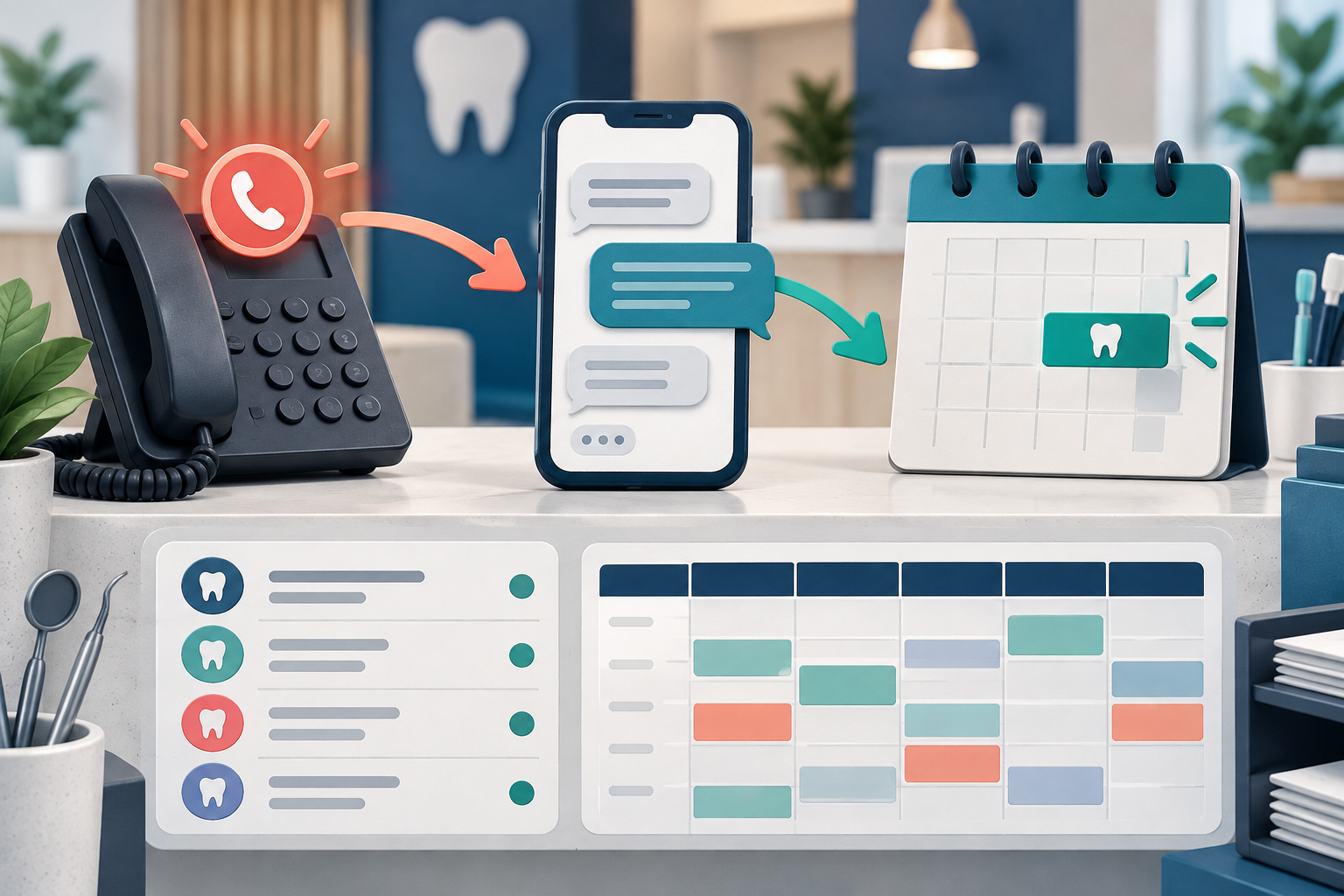
In one first-hand dental implementation, the practice had to clean an outdated provider roster and inconsistent schedule templates before automated booking could be trusted. 1
Why staff workarounds do not transfer automatically
An experienced team member may know that a former provider should be ignored, a nominal opening should not be booked, or one appointment type needs more time than the template says. Software does not inherit that unwritten knowledge.
Before launch, convert hidden rules into current records or explicit configuration.
Clean the provider roster
For every provider, confirm:
- active or inactive status;
- location;
- services and appointment types;
- days and hours;
- booking restrictions;
- new-patient availability;
- effective dates for changes.
Remove or deactivate former providers through the approved PMS process. Do not rely on staff to recognize an old name after automation begins.
Normalize appointment types
Create a list of appointment types the agent may book. Check names, durations, provider eligibility, operatory needs, prerequisites, and whether staff review is required.
Begin with a limited set of frequent, low-ambiguity appointments. Unsupported or complex requests should create a clear handoff rather than a guessed booking.
Review schedule templates
Compare the written template with several real weeks. Look for:
- blocks that exist only by habit;
- inconsistent provider hours;
- openings that should not be patient-facing;
- overlapping rules across locations;
- exceptions for procedures or equipment;
- changes that are not synchronized.
The documented practice kept its existing PMS and phone platform while adding a missed-call text-back workflow. That made the accuracy of the existing schedule and provider data central to the rollout. 2
Define the source of truth
For each rule or field, write which system owns it. If the agent copies configuration into a separate platform, define who updates both systems and how quickly. If it reads directly from the PMS, ask about refresh timing and cached data.
Avoid two systems independently owning the same provider status, appointment duration, or routing rule.
Test stale and conflicting data
Do not test only clean examples. Include:
- an inactive provider;
- a changed schedule;
- an appointment with special duration;
- a full day with an apparent opening;
- a request outside supported types;
- two locations with different rules;
- a staff handoff after incomplete information.
Inspect the final PMS record and the staff alert after every test.
Assign ongoing data ownership
Launch cleanup is temporary unless a role owns maintenance. Define who updates provider changes, schedules, appointment types, office hours, policies, and escalation contacts. Add these checks to onboarding, offboarding, and schedule-change procedures.
Review unresolved tasks and correction patterns during the pilot. Repeated corrections may indicate a configuration or source-data problem rather than an agent-language problem.
Use the AI phone agent rollout case study for the wider implementation sequence and write requirements before the demo to turn clean data into test cases.
Frequently asked questions
What data should be cleaned first?
Start with active providers, appointment types, durations, schedule templates, locations, office hours, and handoff contacts used by the first workflow.
Does the vendor clean PMS data during implementation?
Responsibilities vary. Ask who identifies, approves, and applies changes, and which system remains the source of truth.
How often should the practice audit configuration?
Audit after provider or schedule changes and review it regularly during the pilot. Use booking corrections and failed handoffs as signals for another check.
Sources and methodology
- DentalTechHub first-hand implementation data-cleanup record
- DentalTechHub first-hand practice implementation record