Two Phone Vendors, One Dental Office Line: Prevent Duplicate Messages
A dental practice can keep its existing phone platform and add a separate AI or text-back service. The combination may solve a coverage problem, but it can also make two systems respond to the same call.
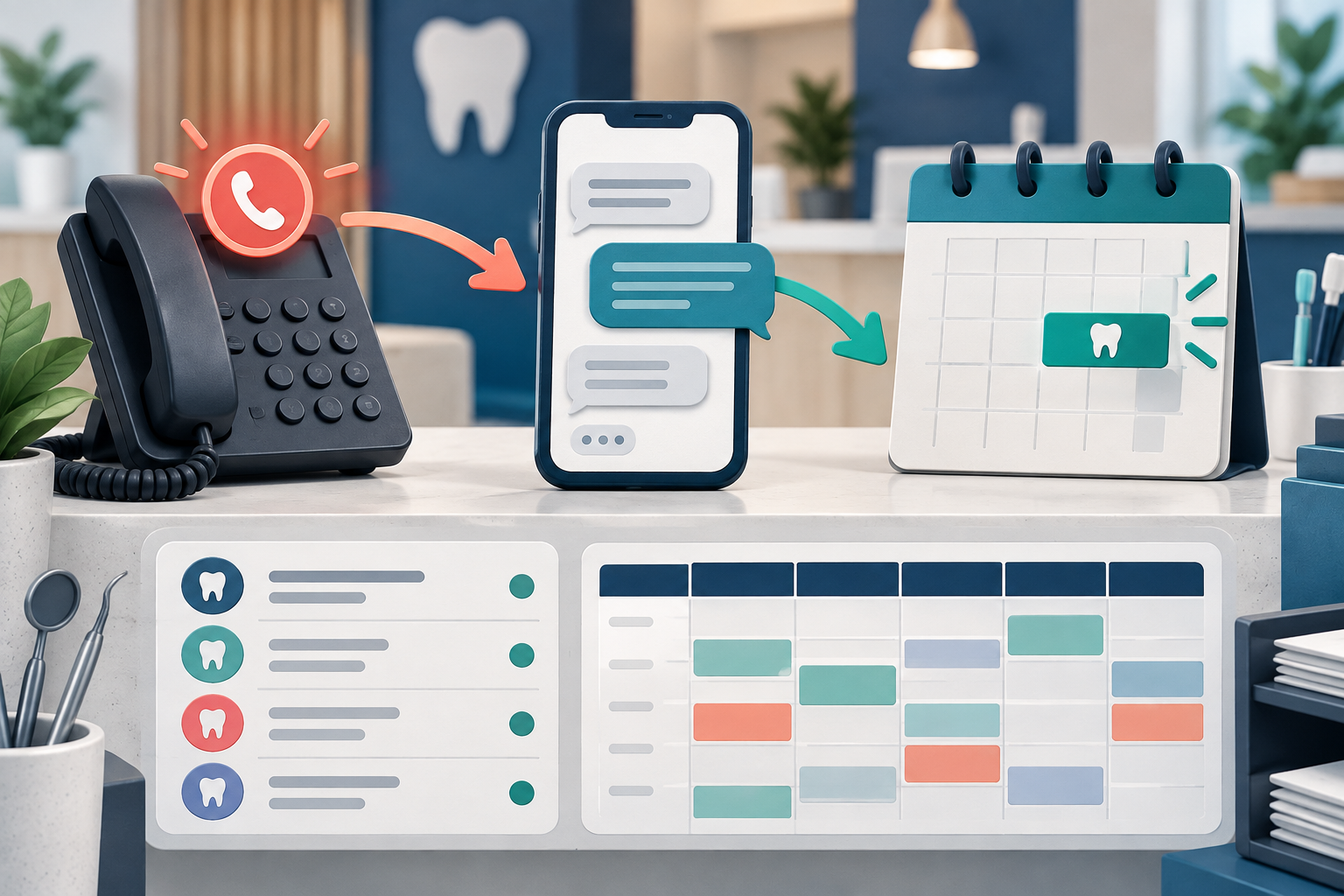
In one documented implementation, the practice experienced duplicate after-hours messages when the existing phone platform and the added Peerlogic workflow both reacted to the same event. 1
Map every trigger before launch
Create an event map for:
- unanswered calls during office hours;
- calls after closing;
- voicemail;
- missed-call text-back;
- appointment confirmations;
- cancellation and rescheduling messages;
- urgent routing;
- staff task alerts.
For each event, name one system as the owner. A second system can receive data or create a staff task, but it should not independently send the same patient response unless the practice intentionally designed that sequence.
Separate phone handling from follow-up
The first-hand practice implementation used Peerlogic’s Aimee as a missed-call text-back layer while retaining the existing PMS and phone platform. 2
That creates at least two distinct responsibilities:
- the phone platform decides how the call rings, routes, or reaches voicemail;
- the follow-up service decides whether and when to start a text conversation.
Write the boundary. Do not let both vendors infer it independently.
Ask each vendor for its event logic
Request a written description of:
- the event that starts automation;
- the delay before a message is sent;
- office-hour and holiday rules;
- the sending number and identity;
- suppression rules;
- how a completed call or staff response cancels follow-up;
- what data passes between platforms;
- where unresolved work appears.
Peerlogic’s support material checked September 14, 2026 described text-back, configured question answering, supported booking, alerts, and staff handoffs. Those are dated vendor claims. The practice must still confirm which triggers and channels belong to its plan and configuration. 3
Test collisions, not only normal calls
Run controlled tests for:
- a call answered just before timeout;
- a missed call during office hours;
- an after-hours call;
- a caller who leaves voicemail;
- a caller who calls twice;
- a staff member who returns the call quickly;
- a holiday schedule;
- a message that needs human handoff.
Record every patient-facing call, text, voicemail, and alert in order. A workflow can look correct inside each vendor dashboard while the combined patient experience is repetitive.
Decide which system owns the patient identity
If messages come from different numbers, staff should know how to explain them. Review whether the patient can identify the practice, reply to the correct conversation, and opt out as required by practice policy and applicable rules.
Avoid promising that two numbers will merge into one thread unless the vendors demonstrate it in the proposed configuration.
Maintain a shared change checklist
Routing and message rules can drift after launch. Require a review when the practice changes office hours, holidays, phone routing, vendors, appointment types, or staff handoff roles. Include both vendors when one change affects the shared event map.
Use the missed-call text-back and live-answering comparison and phone-agent requirements guide to define the intended channel before configuring overlap.
Frequently asked questions
Can two vendors use the same dental office number?
The technical answer depends on routing and provider capabilities. Ask both vendors to diagram the proposed call and message paths and demonstrate them.
How do we stop duplicate after-hours texts?
Assign one owner to the trigger, disable or suppress the overlapping response, and retest office-hour, holiday, voicemail, and rapid-callback cases.
Who should monitor unresolved handoffs?
Name a role, response target, backup, and daily queue. A notification is not a completed handoff.
Sources and methodology
- DentalTechHub first-hand implementation overlap record
- DentalTechHub first-hand practice implementation record
- Peerlogic support workflow checked September 14, 2026