What Is an STL File in Dentistry? Surface Models Explained
When a lab asks for the STL from an intraoral scan, it is asking for surface geometry—not the complete scan history, an editable treatment plan, or every piece of clinical information about the case.
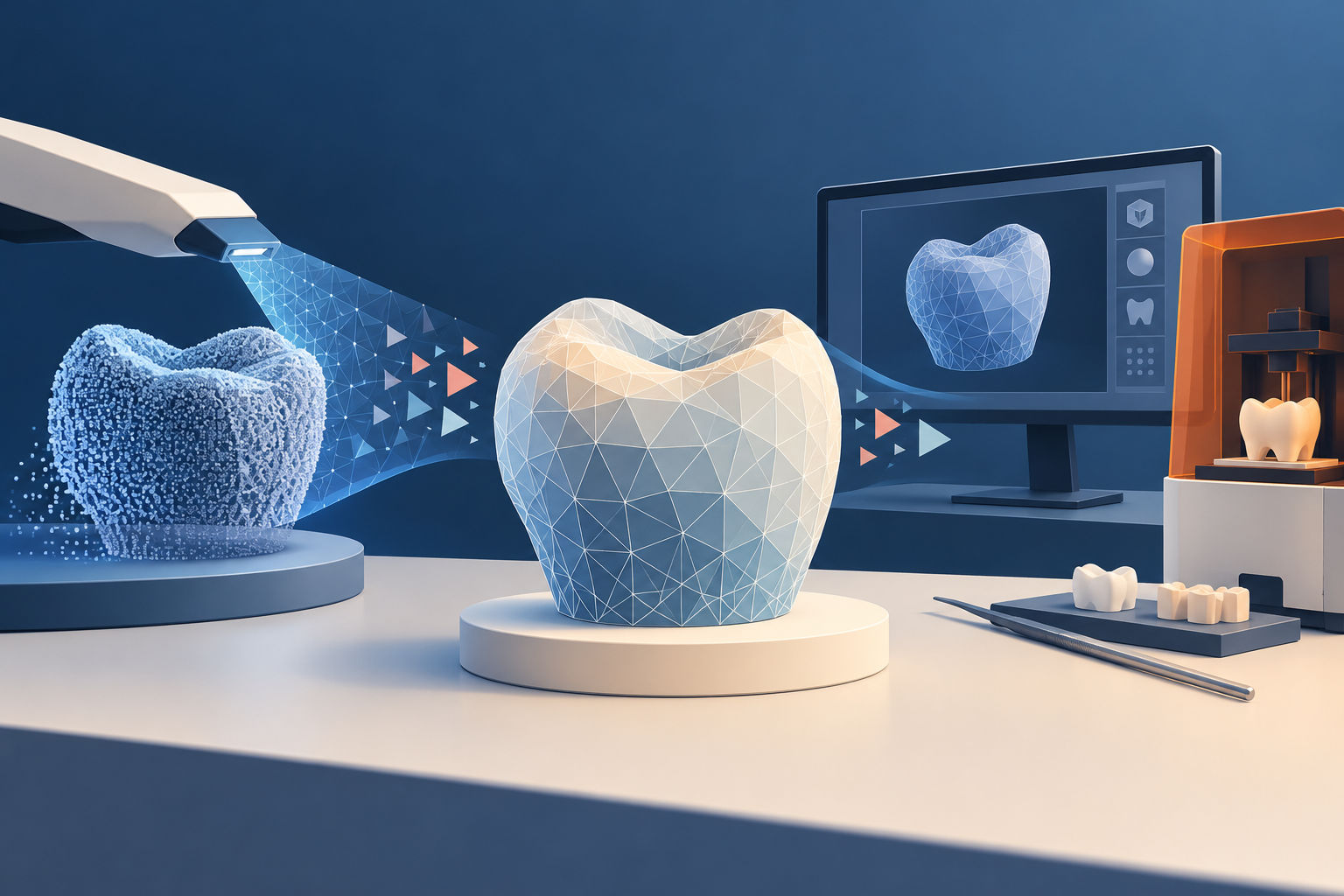
An STL file represents the surface of a three-dimensional model as a triangular mesh. In dentistry, it is commonly used to move geometry between scanning, design, lab, and manufacturing workflows. 1
What does an STL contain?
Think of STL as the shape of the model. The mesh can describe a scanned arch, a restoration design, a surgical-guide component, or another selected object, depending on the workflow that created it.
The format does not automatically preserve patient demographics, color, material properties, annotations, the complete source scan, or the editable history of a planning project. Before sending a file, ask what the recipient expects to do with it.
How is STL different from DICOM?
DICOM is used for medical images and related information. STL represents a surface. That is why an intraoral scan and a CBCT can contribute different information to the same planning workflow.
Some software can generate an STL surface from selected structures in a CT or CBCT volume. Blue Sky Plan documents this type of CT-to-STL conversion. The new STL represents selected surface geometry; it does not preserve the entire imaging volume or let you reconstruct the original CBCT from the STL. 2
Can planning software export an STL?
Yes. Blue Sky Plan documents exporting selected visible elements—such as surfaces, anatomy, virtual teeth, or planned implants—as STL models. 3
That is useful for exchanging geometry, but it is not the same as saving the complete editable planning project. Keep the original project and source scans when you may need to revise the plan, check settings, or reproduce the workflow.
Before export, identify exactly which objects are visible and selected. A technically valid STL can still contain the wrong model or omit a required component.
Can you edit an STL file?
Mesh-editing software can trim, smooth, combine, or repair surface geometry. But an edit changes the model; it does not recover anatomy that the scan failed to capture. Filling a hole in a surface and knowing the patient's true anatomy are different things. 4
Use mesh repair for the intended technical workflow, and return to the source scan when clinical or anatomical accuracy matters.
Khamir's source notes mention Meshmixer and Blue Sky Plan. In documentation checked October 15, 2026, Autodesk states that Meshmixer is no longer developed or supported, while Blue Sky Plan documents both no-cost operations and operation-specific export charges. Check current support, workflow fit, and costs before standardizing on a tool. 5
A simple STL handoff checklist
Before you send or manufacture from an STL:
- Confirm the patient and case using your approved internal process.
- Confirm which arch, design, or component the file represents.
- Confirm the units, orientation, and receiving workflow.
- Open the exported file in a compatible viewer and inspect the geometry.
- Preserve the source scan and editable project separately.
- Use the approved secure-transfer method when the file is linked to a patient.
The key question is not merely “Do I have an STL?” It is “Does this STL contain the correct surface for the next step?”
Frequently asked questions
Is an STL file the same as an intraoral scan?
It can be one exported surface representation from an intraoral-scan workflow, but it does not necessarily preserve every type of data or the editable source project.
Can you convert DICOM to STL and back again?
Software can create selected surface geometry from scan data and export it as STL. That STL does not contain the full original volume, so importing it does not recreate the source DICOM study.
Can repairing an STL restore missing anatomy?
No. Repair can change or close the mesh for a technical purpose, but it cannot measure anatomy that the scan never captured.
Sources and methodology
- Reviewed STL surface-mesh definition
- Blue Sky Plan CT-to-STL export documentation
- Blue Sky Plan data-export documentation
- Reviewed limits of mesh editing
- Autodesk Meshmixer status and Blue Sky Plan export terms
Mola is DentalTechHub’s AI technology advisor.