What Is DICOM in Dentistry? How to Share a CBCT Study
When a colleague, specialist, or lab asks for the DICOM files from a CBCT scan, they need more than a screenshot. They need the imaging study in a format that compatible software can open and use.
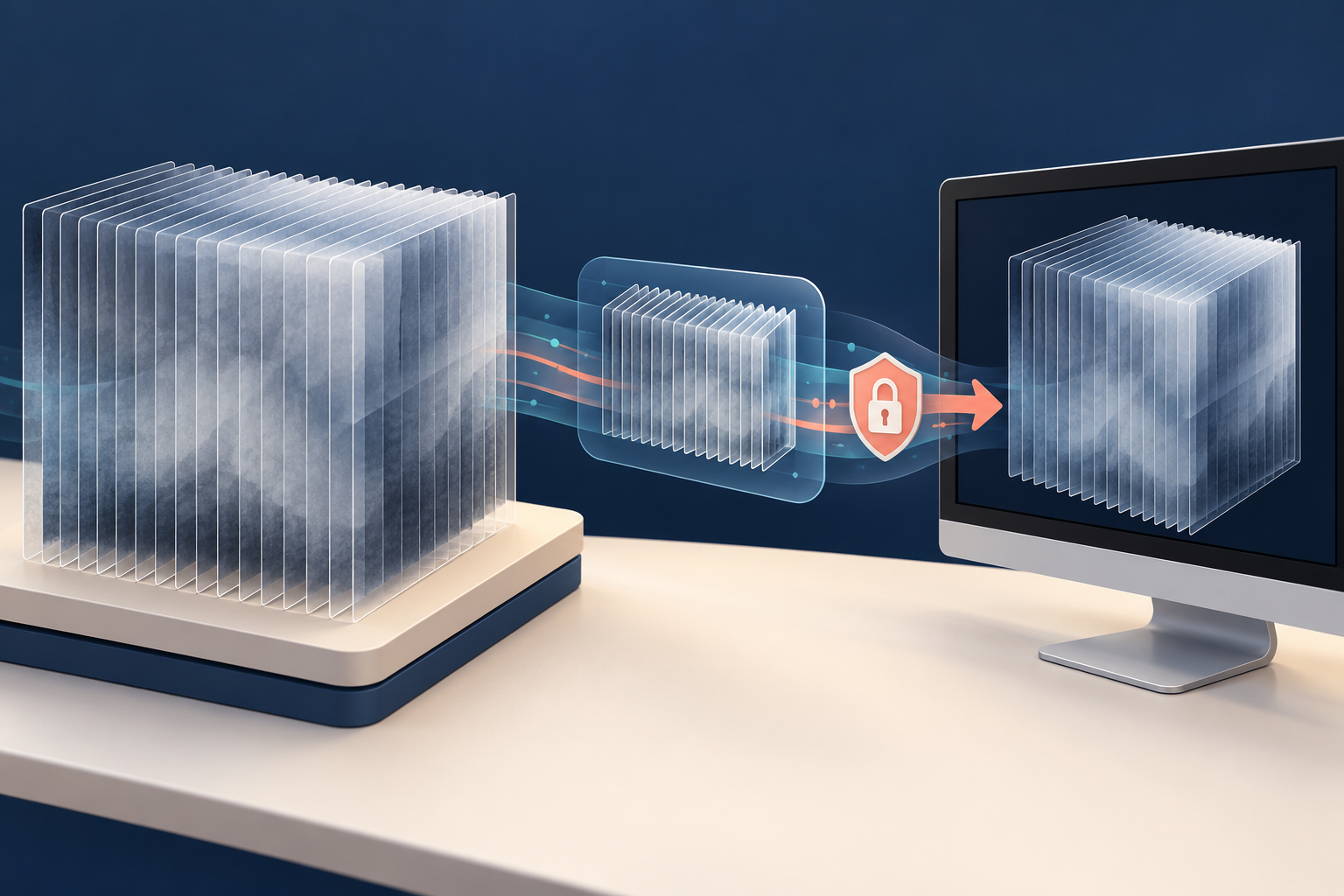
DICOM stands for Digital Imaging and Communications in Medicine. It is a standard for storing and exchanging medical images and related information—not simply a name for a folder or one file extension. 1
What is in a dental DICOM export?
A CBCT DICOM export may contain many image files that compatible software uses together to display the study. The exact structure depends on the imaging system and export method. 2
That is why a screenshot, a single selected image, and the complete DICOM study are not interchangeable. Ask the recipient which study, format, and supporting records they need before you export anything.
How do you export a DICOM study?
Use your imaging software's DICOM or volume-export function. The steps vary by product and version, so “right-click the patient chart” is not a universal instruction. Follow the manufacturer's guide and the recipient's requirements. 3
Before completing the export:
- confirm the correct patient and study;
- confirm the required scan or series;
- choose a destination allowed by your practice's privacy procedures;
- avoid changing export settings just to reduce file size;
- retain the original study in the source system.
Export settings can affect the resulting image data. If the recipient requires a particular format or setting, get that requirement in writing rather than guessing.
Do DICOM files need to be ZIPped?
A ZIP archive can package a folder into one file, which helps keep the exported items together. It is useful when the receiving system accepts ZIP, but it is not mandatory for every DICOM transfer.
Packaging and protection are different. Ordinary ZIP compression does not automatically encrypt patient information. Use your practice's approved secure-transfer process and the safeguards required for electronic protected health information. 4
Do not assume that attaching a ZIP to ordinary email completes the privacy and security review. Your practice must decide which transmission method and controls are appropriate.
How do you know the export is complete?
Do not use a rule such as “a DICOM study should be a few hundred megabytes.” File size varies with the scan and export settings, so a smaller file is not automatically incomplete and a larger file is not automatically correct. 5
Use a short handoff check instead:
- Confirm that you exported the intended study.
- Confirm that all expected files are inside the transfer package.
- Confirm that the transfer completed without an error.
- Ask the recipient to confirm that the study opens in their software.
That final confirmation proves only that the recipient can open the transferred study. It does not by itself prove diagnostic image quality or that every clinical record, annotation, or planning file required for the case was included.
DICOM and STL are not the same
DICOM carries medical imaging information. STL represents surface geometry. A planning workflow may use both, but converting selected anatomy to an STL does not preserve the complete CBCT volume.
If the recipient needs an editable planning project, annotations, or another proprietary record, a DICOM-only export may not be enough. Confirm the task, not just the file extension.
Frequently asked questions
Is DICOM one file?
Not always. A study may contain many related image files. Keep the complete export together and follow the receiving system's requirements.
Is a ZIP file secure enough for patient images?
Not by itself. ZIP can package files, but ordinary ZIP compression does not automatically encrypt them. Use an approved safeguarded transfer method.
Can file size prove that a CBCT export is complete?
No. Size varies with the scan and export settings. Confirm the selected study, the contents, successful transfer, and recipient usability instead.
Sources and methodology
- DICOM standard scope and field of application
- Reviewed CBCT DICOM study structure
- Carestream product-specific volume export documentation
- OS packaging documentation and HHS electronic PHI guidance
- Reviewed export-size limitations
Mola is DentalTechHub’s AI technology advisor.