AI Phone Agent for a Dental Office: What the Rollout Actually Required
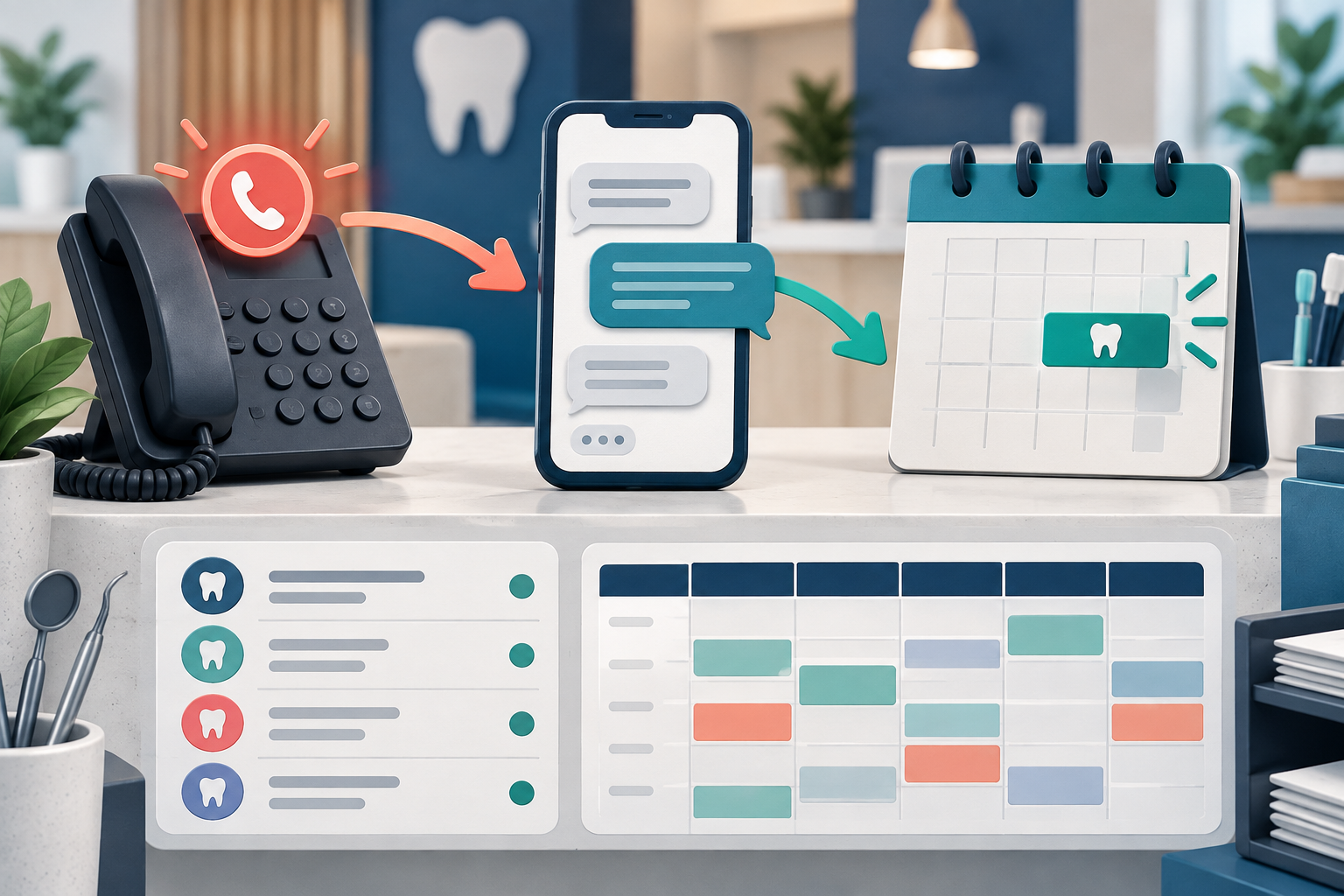
An AI phone agent for a dental office can sound like a simple staffing purchase. In this implementation, the useful feature was narrower: the agent texted back calls that the team did not answer, continued the conversation, and booked appropriate appointments after the underlying practice data was cleaned.
Disclosure: the practice in this story is one our own team is involved in, and the practice pays for Peerlogic as its customer. DentalTechHub pays Peerlogic nothing and earns nothing from Peerlogic. Its classification in our catalog was set by DTH's editors, by the problem it solves, the same as every other vendor in it.
This is one practice's implementation, not a product-wide performance claim or a vendor ranking. Peerlogic's current public site markets both voice and text capabilities. The deployment described here used the missed-call text-back workflow. 1
The problem was not only after-hours coverage
Six months into new ownership, the office manager went on maternity leave while a newer team member was at the front desk. Calls began going unanswered during the day, and the voicemail box filled. The practice needed a follow-up mechanism that could work with its existing Denticon schedule and phone setup. 2
The owner wrote four requirements before the first demo:
- Cover calls that arrive when the office cannot answer.
- Work with the PMS and phone platform already in place.
- Continue a conversation rather than only sending a booking link.
- Include texting if available.
Texting was listed last. It became the operating mechanism.
What this deployment actually did
When the office missed a call, Peerlogic's Aimee sent a text from its own number. Inside that conversation it could answer configured front-desk questions, offer supported appointment types, book, reschedule, or cancel according to office preferences, and hand off when the request needed a person. Peerlogic's support documentation also tells practices to verify completed tasks in the calendar and follow up for information the agent does not collect. 3
That distinction matters. The practice did not replace its phone platform, and this specific workflow did not depend on the agent answering every live call. It added a second layer behind the existing phones to recover the missed interaction.
The trade-off was visible to patients and staff. The text came from a second number, so the team needed to understand why the practice now had more than one messaging identity. That is not necessarily a reason to reject the workflow. It is a reason to include patient-facing messaging and staff expectations in the rollout plan. 2
Vendor selection was the smaller half
Two data problems mattered more than the demo.
The provider roster was stale. Dentists who no longer worked at the practice were still active. A trained team member knows to ignore an old name. An agent can treat the roster as permission to offer that provider.
The schedule was inconsistent. If daily templates do not follow a usable pattern, opening too many slots lets an agent place the right patient into the wrong part of the day. Opening too few makes the technology technically functional but operationally useless. 4
These were not defects in conversational AI. They were conditions the office had to fix before automation could be trusted.
A safer rollout sequence
1. Define the job narrowly
Start with one job such as missed-call recovery. State when it begins, what the agent may do, and when it must stop.
2. Clean the systems the agent reads
Review active providers, appointment types, locations, availability rules, office policies, and old records. Do not assume a human workaround is visible to software.
3. Limit the first appointment types
Begin with a small set of frequent, well-understood appointment types. Peerlogic's current FAQ gives the same practical recommendation and allows practices to expand after the initial setup is stable. 3
4. Test the whole loop
Place a call, let it go unanswered, receive the text, ask a routine question, book, reschedule, request a person, and verify every resulting calendar entry and staff notification.
5. Assign every handoff
An email alert is not a completed handoff. Name the role that watches alerts, the expected response time, and the backup when that person is unavailable.
6. Tell the team what patients will see
Explain the second phone number, the agent's name, supported requests, and words staff should use when a patient asks whether the message is legitimate.
What to ask before your first demo
- Does the agent answer live calls, text back missed calls, or both on the proposed plan?
- Which PMS fields does it read and write?
- Which appointment types can it book without staff review?
- What data must be cleaned before launch?
- What happens when a patient asks for a person?
- Where do alerts appear, and who owns them?
- Does the agent use the practice's existing number or another number?
- Can the vendor show the complete workflow in your PMS?
Frequently asked questions
Does an AI phone agent have to answer calls live?
No. A deployment may answer calls, recover missed calls through text, or combine channels. Confirm the exact channel and plan rather than treating the product category as the purchased workflow.
Why does schedule cleanup matter?
The agent can only choose from the providers, appointment types, and availability it is allowed to see. Inconsistent templates or stale rosters turn configuration errors into patient-facing bookings.
When should the AI hand off to staff?
Set explicit boundaries for complex scheduling, patient-specific financial questions, clinical or medical context, and direct requests for a person. The office must own the response after the handoff.
Ask Mola for options that match your PMS, phone platform, desired channel, and coverage hours. Use the shortlist to structure demonstrations, then test the complete workflow with your own data.
Sources and methodology
- Peerlogic official product and support pages, checked September 14, 2026
- DentalTechHub first-hand practice implementation record
- Peerlogic Aimee support workflow, checked September 14, 2026
- DentalTechHub first-hand implementation data-cleanup record