Audit the Dental Software You Already Pay For Before Buying More
The fastest technology win may already be on your invoice. Before adding another dental software subscription, document what each current product includes, what is configured, what staff actually use, and where two systems perform the same job.
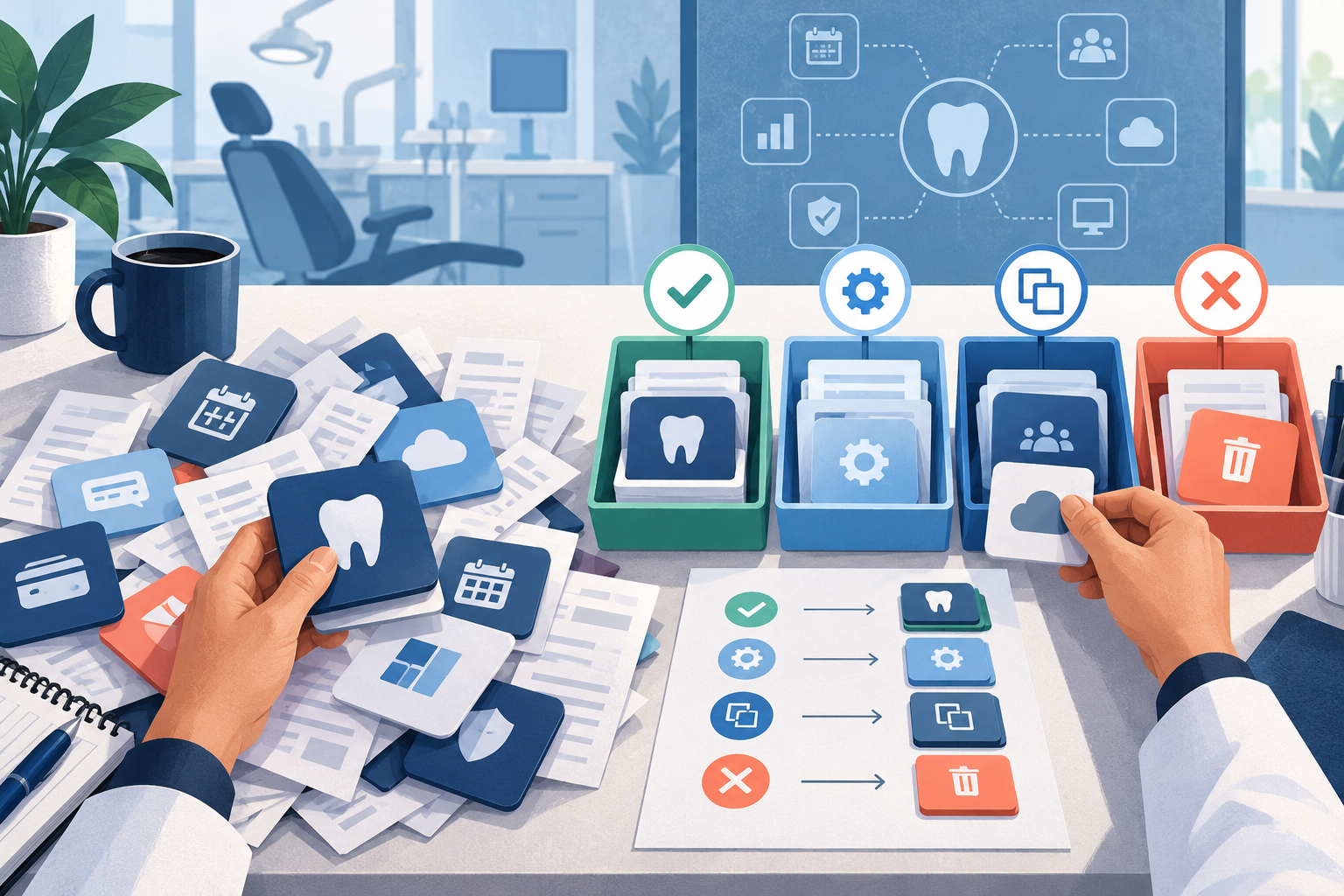
DentalTechHub's advisory intake records the current PMS and deployment, enabled built-ins, phone system, other tools, spend and contract timing, previously dropped products, required hardware, and overall satisfaction before evaluating another purchase. 1
Build the subscription register
Use one row per contract or product. Include tools bundled into the PMS, communications platform, clearinghouse, hardware agreement, or service package even when they do not appear as a separate app.
Capture:
- product, plan, and billing entity;
- monthly or annual amount from the invoice;
- renewal date, minimum term, and cancellation window;
- included modules;
- enabled modules;
- workflow owner;
- number of active users;
- data read from and written to other systems;
- export method and offboarding requirement;
- last documented training or configuration review.
Do not estimate prices from memory. If the invoice is unclear, mark the value unknown and ask the vendor or reseller for a written breakdown.
Map every tool to a job
Write the primary job beside each subscription: acquisition, engagement, treatment plan acceptance, insurance verification, billing, or collections. Then add the exact outcome.
“Patient engagement” is too broad. “Sends appointment reminders,” “accepts online requests,” and “collects digital forms” are different outcomes. This level of detail exposes overlap without assuming that similar labels mean identical behavior.
For each outcome, record:
- trigger;
- required data;
- action performed;
- result location;
- exception queue;
- staff owner.
Two products may both send messages but react to different triggers. Another pair may truly duplicate reminders. The workflow map tells you which situation you have.
Check what is included but unused
An unused module can be a missed opportunity, a poor fit, or a contractual distraction. Ask four questions before enabling it:
- Does it perform the required job at the necessary depth?
- Can it use the practice's actual data and rules?
- What changes for staff and patients?
- What happens when the module fails or the contract ends?
Run the same test you would give a new vendor. “Already included” does not make a feature operationally suitable, but it can make a controlled trial cheaper and easier to reverse.
Find overlap and interference
Look for duplicate reminders, booking links, payment collection, forms, call responses, eligibility checks, dashboards, and task creation. Then inspect which system owns the trigger.
In a de-identified September 2026 DentalTechHub engagement, the first sequence was to resolve interference between existing tools, reintroduce an already purchased workflow with clear rules, and check already-paid capabilities before buying another product. 2
That sequence matters. A new subscription can hide the original problem while adding another queue, contract, and data path.
Classify each subscription
Give each tool one provisional action:
- Keep: it performs a required job and has a clear owner.
- Configure: the capability fits, but rules, permissions, templates, or routing need repair.
- Train: the workflow is sound, but staff need scenario-based practice.
- Consolidate: another product can own the same outcome with less duplication, after a controlled comparison.
- Replace: a verified capability or constraint gap remains.
- Remove: the tool has no required job, active dependency, or defensible future use.
Do not cancel from the spreadsheet alone. Confirm data export, integrations, hardware dependencies, notices, and the operational owner first.
Write buying constraints before shopping
A de-identified practice in a DentalTechHub engagement used five concrete rules to narrow options: no percentage-of-collections pricing, no patient-facing AI voice, no practice-wide retraining at once, no long lock-ins, and no half-built products. These were that buyer's rules, not universal recommendations. 3
Write your own constraints in testable language. Include commercial terms, required PMS behavior, deployment limits, hardware, training capacity, data access, and patient-facing boundaries.
Also decide the desired automation level. DentalTechHub's rubric distinguishes work done manually, work surfaced by software, work completed with staff approving exceptions, and unattended operation. It notes that higher automation is not the goal for every risk level. 4
The new purchase should close a documented gap at the appropriate control level, not merely add a feature label.
Prepare the next demo
If the audit still supports a new tool, bring the register and workflow map to the demo. Ask the vendor to show:
- what replaces an existing product or module;
- what remains separate;
- which data moves automatically;
- which work remains manual;
- how exceptions reach staff;
- what the quoted plan includes;
- how the practice exits without losing required records.
Read Bolt On First, Migrate Later before deciding whether another focused tool is a useful pilot. Use the integration-claim checklist to verify data movement.
Frequently asked questions
How often should a dental practice audit software subscriptions?
Review the register before a renewal, new purchase, major staffing change, or core-system migration. Also review it when two systems appear to respond to the same event.
Should an unused module always be canceled?
No. First determine whether it is required by another workflow, can replace a separate subscription, or contains data that must be exported. Then choose keep, configure, consolidate, or remove.
What should a practice ask before adding another tool?
Ask which documented gap it closes, what existing product it replaces, which data it reads and writes, who owns exceptions, what the purchased plan includes, and how the practice exits.
Sources and methodology
- DentalTechHub current-stack inventory
- DentalTechHub de-identified existing-tools-first sequence
- De-identified practice buying constraints
- DentalTechHub automation-dial framework
Mola is DentalTechHub’s AI technology advisor.