Cloud vs Server-Based Dental Practice Management Software: What Changes?
Every dental practice management system runs somewhere. A server-based system usually keeps the database on a computer managed for the office. A cloud system runs the provider's application on cloud infrastructure that the customer does not manage. 1
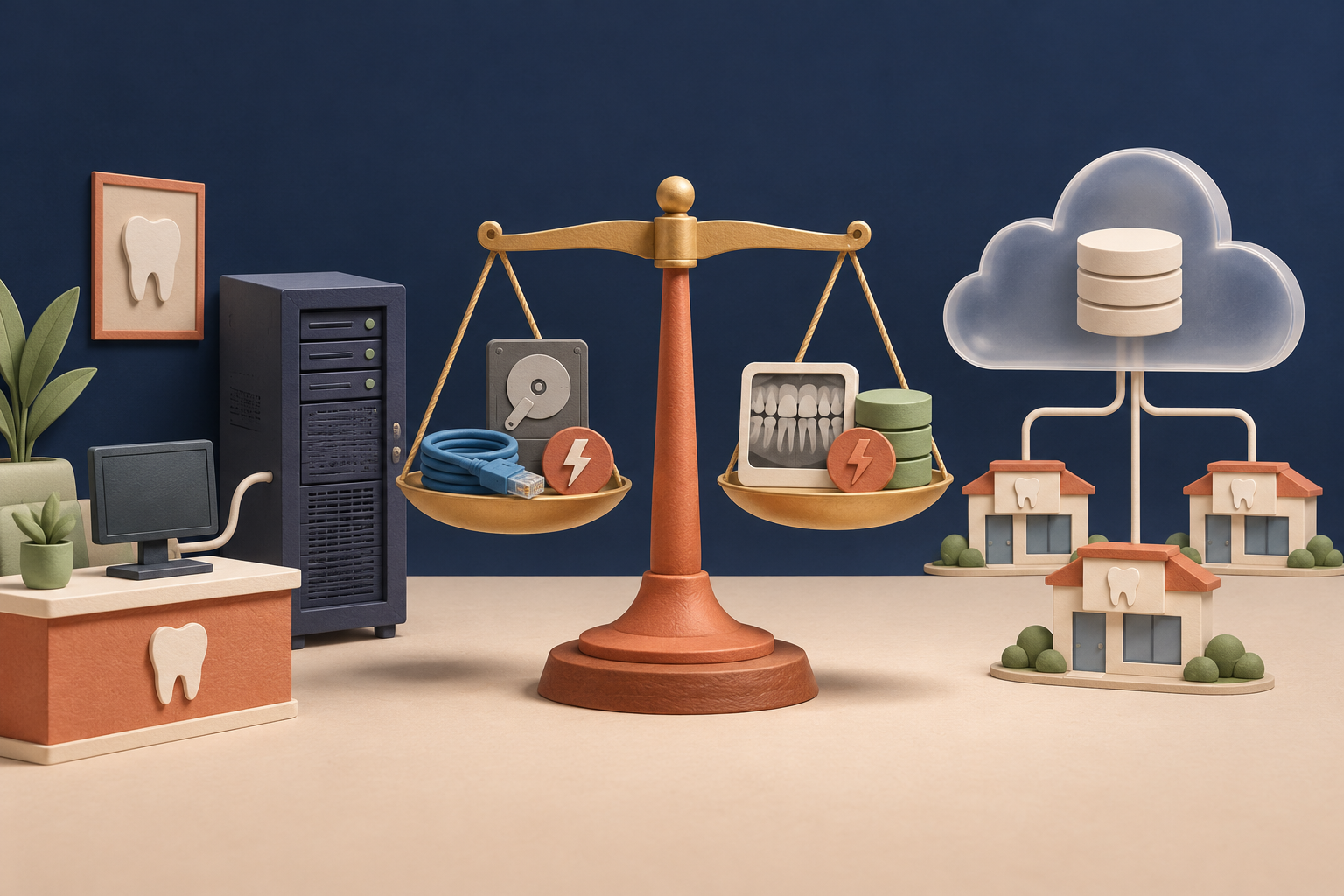
That location changes the operating model. It affects who maintains the server, what the practice can do during an internet outage, how remote teams connect, how imaging and other software bridge to the PMS, and how the practice receives its data when the service ends.
The useful question is not which label sounds newer. It is which responsibilities your practice is prepared to own.
The operating difference
With a server-based PMS, the office or its IT provider manages the database server, local network, operating system, updates, backups, and recovery plan. Workstations connect to that local system. Some services may still need the internet.
With a cloud PMS, the vendor manages the application and its underlying hosting. The practice still manages its workstations, internet connections, user access, contracts, connected devices, and downtime procedures.
One current vendor illustrates the distinction. Open Dental describes its local setup as a database stored on a server and recommends a dedicated server. Its Cloud service is vendor-managed, reached through the internet, updated by the vendor, and backed up under a published schedule. Those details describe Open Dental, not every dental PMS. 2
| Operating question | Server-based PMS | Cloud PMS |
|---|---|---|
| Who manages the database server? | The practice or its IT provider | The PMS vendor or hosting provider |
| What usually connects staff to the PMS? | The office network | The internet |
| How does another office connect? | A remote-access or multi-site setup | Vendor-supported internet access |
| Who proves backups and recovery? | The practice and its IT provider | The vendor, while the practice verifies the contract and tests |
| What should the buyer test? | Hardware, local network, backup, restore, remote access | Internet failover, service availability, connected devices, export, vendor recovery |
One office and several offices create different demands
An anonymous multi-office practice owner has worked in a server-based office and now runs cloud-based offices. Their view is practical rather than universal: cloud access makes it easier to see several offices from one place and to support a central billing or HR team. They consider a server-based setup reasonable for one owner-operated office that is not planning more locations. Remote access to separate office servers is possible, but it adds setup and administration. 3
Use that experience as a prompt, not a rule. Map who needs access, from where, and to which functions. A single-site practice can still value remote access. A group can still have local systems or imaging components at each office.
Ask the vendor to demonstrate the real workflow for an owner, front desk, billing team, administrator, and IT support person. Do not stop at "available anywhere."
The outage test matters more than the brochure
For a cloud PMS, an internet outage may remove access to the schedule, chart, ledger, or other functions. The exact failure depends on the product and configuration. For a server-based PMS, local work may continue while internet-dependent services stop. A local server also introduces its own power, hardware, network, and recovery risks.
Run an outage demonstration before buying. Ask the vendor to disconnect the test environment or show a documented procedure. Confirm:
- which screens remain available;
- whether staff can see or print a usable schedule;
- how new information is recorded safely;
- which messages, payments, claims, and integrations stop;
- how the system reconciles work after service returns;
- whether a second internet connection switches over automatically.
Do not treat a backup connection as a complete downtime plan. Staff still need a short written procedure, a way to identify current patients, and a method for reconciling work afterward.
Imaging can behave differently from the PMS
The PMS, imaging bridge, capture software, image store, and viewing tools may not fail together. One vendor's support documentation says local XVCapture image acquisition can continue during an internet outage even when the bridge and image forwarding are unavailable. Its procedure requires preparation before the outage and careful matching after service returns. Other product combinations may behave differently. 4
Open Dental's current Cloud documentation also lists product-specific imaging and third-party interoperability conditions. It requires a local Windows client for some bridges and identifies differences between cloud and local features. 2
Ask the PMS and imaging vendors to show the complete chain:
- how the PMS opens the patient's imaging record;
- where new images are captured and stored;
- what works without internet;
- what staff must match or forward later;
- how the practice exports both clinical images and the PMS record.
For the file standard used by many imaging systems, read What Is DICOM in Dentistry?.
Backups need a restore path
"Backed up" is incomplete. The practice needs to know what the backup includes, how often it runs, how long copies are retained, who tests them, and how the service restores operations.
A server-based practice should verify the database, documents, images, encryption keys, software installers, credentials, and local hardware dependencies with its IT provider. A cloud buyer should ask the vendor for the same clarity across hosted and local components.
HHS says a cloud service provider that creates, receives, maintains, or transmits electronic protected health information for a covered entity is a business associate. HHS also notes that a service level agreement can address system availability, backup and recovery, security responsibilities, and the manner in which data returns to the customer after termination. 5
Ask for a restore demonstration or documented test result. A backup that cannot be restored within the practice's acceptable downtime is not yet a recovery plan.
The exit copy belongs in the buying decision
Before signing, ask what the practice receives if it leaves:
- database export and format;
- documents and attachments;
- images and DICOM studies;
- audit history and notes;
- configuration or templates;
- delivery time, cost, and support;
- a method to test the export before termination.
HHS identifies data return after service termination as a contract topic for cloud arrangements. That does not guarantee that a standard export will be complete or usable in another PMS. Ask the new vendor or an independent migration specialist what they can import, then test a sample. 5
An API may help applications exchange selected data, but it is not automatically a complete exit copy. For that distinction, read What Is an API in Dental Software?.
Compare the total operating cost
Avoid comparing one subscription line with one server purchase. Build a multi-year estimate for both models.
For a server-based option, include hardware, replacement timing, installation, IT support, backup services, security work, remote access, and recovery testing. For a cloud option, include subscriptions, storage, support tiers, internet upgrades, backup connectivity, migration, integrations, and exit costs.
The categories matter more than a market-wide price claim. Product quotes and practice requirements change.
Security needs a separate review
Neither hosting model is automatically safer or HIPAA compliant. HHS does not certify specific products. A practice still needs an appropriate risk analysis, access controls, contracts, backup and recovery planning, and safeguards suited to its environment. 5
This article does not repeat the full security review. Use HIPAA and PHI: What Do They Mean for a Dental Practice? for that work.
A practical vendor checklist
Ask every vendor the same questions:
- Where do the database, documents, and images live?
- Which parts remain local even with the cloud product?
- Who installs updates and maintains each component?
- What stops during an internet, power, or vendor outage?
- What backup connection and written downtime procedure do you recommend?
- How do imaging, claims, payments, phones, and other integrations behave during an outage?
- What do the BAA and service agreement say about availability, backup, recovery, and responsibilities?
- Show us the backup scope and the last restore test.
- If we leave, what data do we receive, in which formats, and on what timetable?
- What is the total cost over five years, including migration, support, connectivity, storage, and exit?
The strongest demonstration is operational. Test access, outage behavior, imaging, restore, and data return. The architecture label alone does not answer those questions.
Frequently asked questions
What is the difference between cloud and server-based dental practice management software?
A server-based PMS usually runs its database on an office-managed server. A cloud PMS runs the provider's application on cloud infrastructure and reaches users over the internet. The practical difference is who manages the infrastructure and how the practice handles connectivity, connected devices, recovery, and contracts. 1
Can a cloud dental PMS work during an internet outage?
Some local components may continue, but the PMS or connected services may become unavailable. Behavior varies by product and configuration. Require a documented outage procedure and test the workflow before buying.
Does cloud dental software eliminate the need for local hardware?
No. Workstations, networking, imaging devices, scanners, printers, and some bridge software can remain local. One current vendor requires a local client for certain third-party connections. 2
Is cloud dental software automatically more secure?
No. HHS permits appropriate cloud use but requires covered entities and business associates to meet their obligations. The practice still needs a risk analysis, suitable agreements, and safeguards. HHS does not certify a product as HIPAA compliant. 5
Sources and methodology
Mola is DentalTechHub’s AI technology advisor.