Dental Office Backup and Restore: What Your Practice Actually Needs
Most practices can point to a backup service or a green status message. The stronger question is: if the server failed tonight or ransomware locked the network, could the team restore the schedule, charts, images, and recent transactions within an acceptable time?
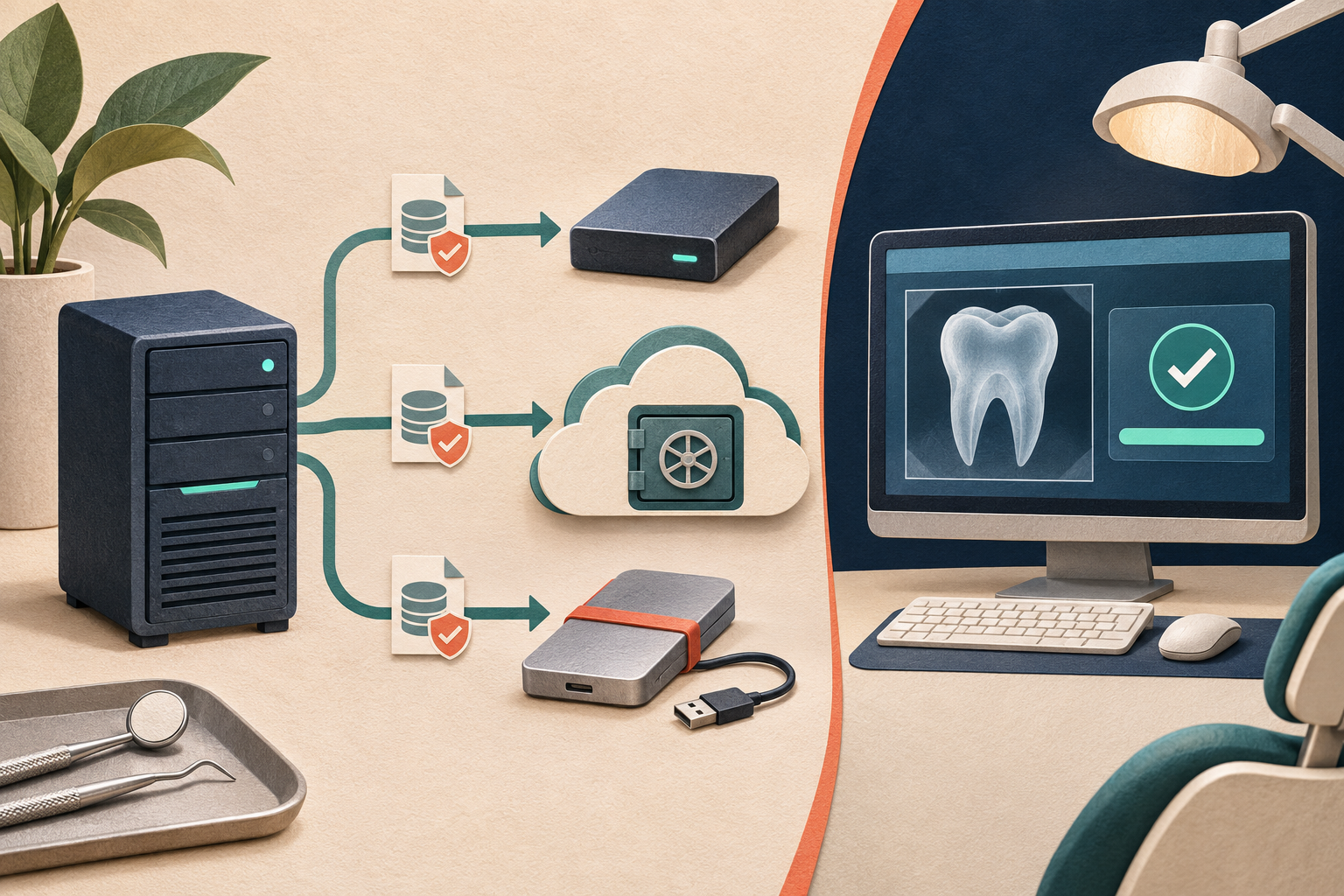
A backup job creates copies. A recovery plan proves that the practice can use those copies.
Start with the recovery requirement
HHS says the HIPAA Security Rule contingency standard includes a data backup plan, disaster recovery plan, and emergency-mode operations planning for electronic protected health information. That means a practice needs more than storage. It needs a documented way to keep working and to restore critical systems. 1
Define the recovery target before choosing tools:
- Which systems must return first?
- How much recent work could the practice safely reconstruct?
- How long can scheduling, charting, imaging, and billing remain unavailable?
- Who makes the decision to restore?
- Which IT provider, software vendor, or internal owner performs each step?
These decisions shape backup frequency, retention, storage design, contracts, and testing.
Use separate copies and failure paths
CISA's small-business guidance presents the 3-2-1 rule:
- keep three copies of important files;
- use two different storage-media types;
- keep one copy off-site.
The counts are a planning aid, not a guarantee. The important principle is separation. A copy on the same server or on a drive that stays connected to it can fail in the same incident. 2
Keep at least one copy out of ransomware's reach
HHS warns that some ransomware can remove or disrupt online backups and recommends considering offline backups that the network cannot reach. Offline can mean a disconnected, encrypted drive or another protected design that an attacker using ordinary production credentials cannot alter. 1
If a vendor calls storage immutable, ask how deletion protection works, who can disable it, how long the protection lasts, and whether the backup account uses separate credentials and multi-factor authentication.
Back up every clinical data store
The practice-management database is only one part of the record. Build an inventory that includes:
- the PMS database;
- x-rays, CBCT studies, intraoral scans, and other imaging;
- scanned documents and signed forms;
- configuration, templates, and integration settings;
- email or messaging records that the practice must retain;
- accounting, payroll, and other critical business data;
- encryption keys, installers, licenses, and recovery credentials when required.
Imaging deserves a separate check because it may live in a different folder, server, or vendor system. Open Dental's manual, for example, tells practices to back up both its patient database and image folder. That instruction applies to that product, but the method is useful everywhere: ask each system owner to name the files, database, and configuration needed for a complete restore. 3
Test a restore, not the status message
HHS recommends periodic test restorations to check backup integrity and build confidence in recovery. CISA also recommends scheduled recovery tests. Neither source makes a green dashboard a substitute for a working restore. 1 2
Choose a cadence based on risk and change rate. A practical test can restore yesterday's PMS database and a small set of de-identified or controlled images to a separate machine. Record:
- which backup copy was used;
- when the restore started and finished;
- whether the database opened;
- whether images matched the correct test patients;
- which configuration or credentials were missing;
- which person approved the result and corrective work.
Do not run a production restore as an improvised test. Use an isolated environment and the software vendor's documented process.
Server-based practices need a rebuild path
With an office server, the practice and its IT provider usually own the recovery sequence. Prepare before an incident:
- rank the PMS, imaging, identity, network, and communication systems by recovery priority;
- retain current installation media, configuration records, and recovery credentials securely;
- identify replacement hardware or a tested virtual-machine path;
- document who contacts the cyber insurer, attorney, IT provider, and software vendors;
- keep an offline copy of the recovery plan.
After ransomware, do not reconnect a restored database to an environment that may still be compromised. The incident team should isolate affected systems, determine a clean recovery point, rebuild or clean the environment, and then follow the vendor-approved restore process.
Open Dental's current manual gives one concrete product example: restore files to a new location or another machine rather than directly over the live database, verify the result, and only then move the restored data into the live location. Other systems have different steps. 3
Cloud software changes ownership, not the need to plan
A cloud PMS vendor may operate the application and backups, but the practice still needs answers.
- What data and local components does the vendor back up?
- How often do backups run, and how long are versions retained?
- Which recovery times and responsibilities appear in the contract?
- Can the practice obtain a usable export if the vendor is unavailable or the contract ends?
- Which images, documents, integrations, email, and local files remain outside the vendor's backup?
- How will the team work during an internet or vendor outage?
For the broader ownership differences, read Cloud vs Server-Based Dental Practice Management Software.
Write the downtime procedure on paper
Backups recover systems. A downtime procedure helps the office operate while recovery is underway. Keep a printed, current copy that covers:
- the day's patient schedule and contact path;
- paper charting and consent procedures;
- medication, allergy, and medical-history access limits;
- how the team records payments, claims, images, and notes for later entry;
- who communicates with patients and staff;
- how paper and temporary files return to the system after recovery.
The procedure should make privacy and clinical limits visible. If staff cannot safely access necessary patient information, the practice's clinical leadership must decide what care can proceed.
Questions for your IT provider
- Where are all copies, and which one is offline or protected from deletion?
- Do the copies include imaging, documents, configuration, and credentials needed for recovery?
- How often do backups run, and how far back can we restore?
- When did we last complete a database and imaging restore test?
- How long did that test take, and what failed?
- What is the clean-server rebuild path after ransomware?
- Which vendor must help, and is support available when we need it?
- Where is the printed downtime and recovery plan?
Frequently asked questions
What should a dental office back up?
Back up the PMS database, imaging, documents, configuration, and other critical business systems. Confirm each system's vendor-approved backup and restore requirements.
How often should a dental practice test a restore?
HHS recommends periodic test restorations but does not set one universal interval in the cited guidance. Choose and document a cadence based on risk, system change, and the practice's recovery targets. 1
Does a cloud dental system still need a backup plan?
Yes. The vendor may own the hosted backup, but the practice must verify scope, recovery terms, exports, local data, connected systems, and downtime procedures.
What should a dental office do before restoring after ransomware?
Isolate affected systems and involve the practice's incident-response, legal, insurance, and IT resources. Restore only into a clean environment using a verified backup and the relevant vendor's documented process.
Sources and methodology
- HHS: Fact Sheet: Ransomware and HIPAA. Official healthcare-sector guidance, refreshed 2026-11-25. 1
- CISA: Back Up Business Data. General small-business guidance checked in the supplied pack on 2026-11-24. 2
- Open Dental: Online Backups. Current manufacturer documentation used as one product-specific restore example, refreshed 2026-11-25. 3
This article provides general operational information, not legal, compliance, forensic, or incident-response advice.
Sources and methodology
Mola is DentalTechHub’s AI technology advisor.