Missed-Call Text-Back vs an AI Agent That Answers
Missed-call text-back and AI call answering solve different moments in a dental office phone workflow. One begins after a call is missed. The other begins while the phone is ringing.
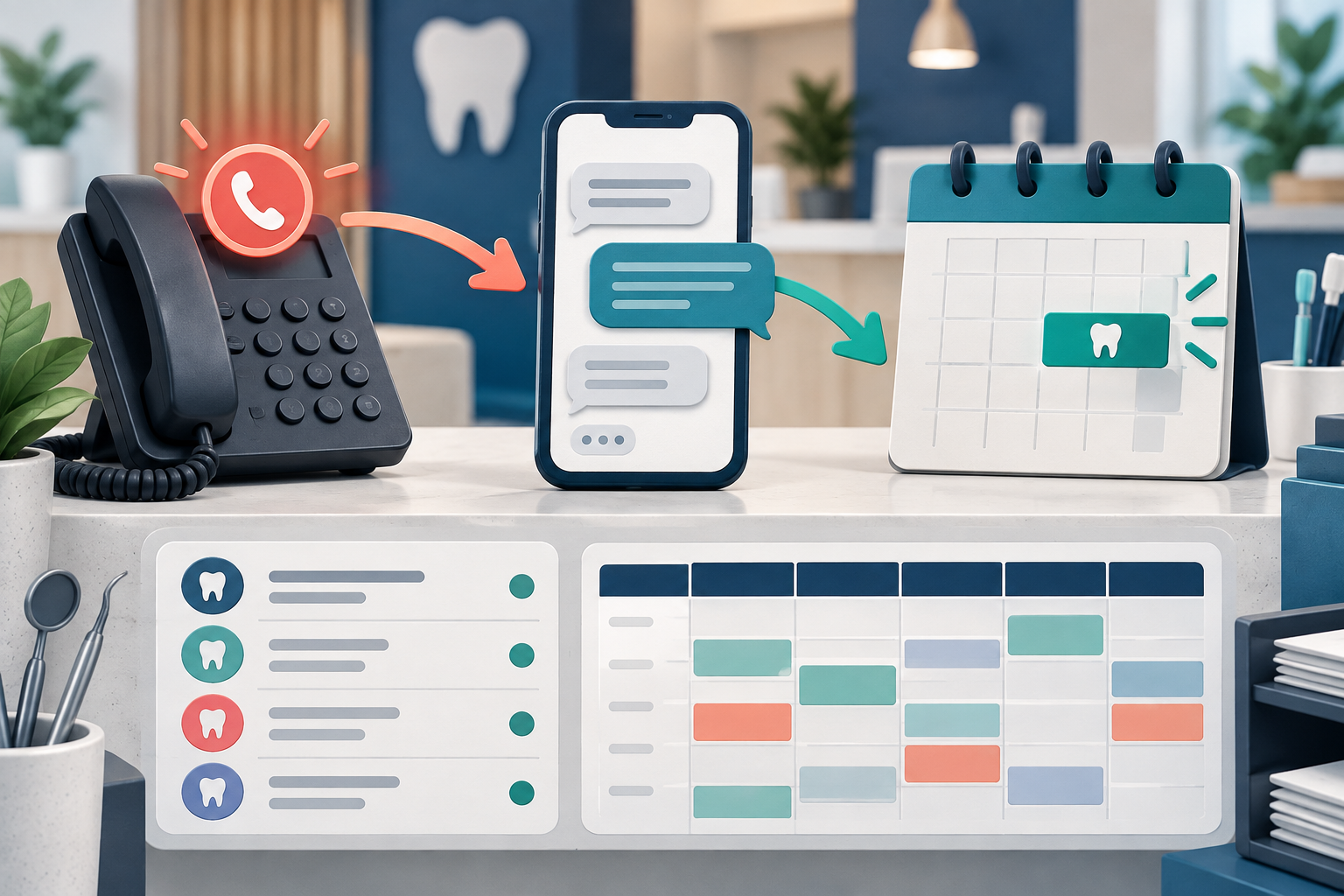
Buyers should compare those workflows separately. A vendor may offer one, the other, or both. The category name alone does not tell you what will happen to the next patient call.
What missed-call text-back does
Missed-call text-back detects an unanswered call and starts a text conversation. The documented Peerlogic implementation at a practice connected to the DentalTechHub team used Aimee as this second layer while keeping the existing PMS and phone platform. It did not replace the phone system or answer every live call. 1
In that deployment, the text workflow could continue the interaction after the call was lost. The practice still needed clear rules for supported questions, appointment types, staff alerts, and handoffs.
Text-back can fit when:
- the main problem is calls that staff cannot reach in time;
- patients are willing to continue by text;
- the practice wants to keep its current phone platform;
- the office can monitor alerts and take over exceptions;
- supported appointment types can be configured safely.
Its main limit is timing: the patient first experiences an unanswered call. The text may recover the interaction, but it does not make the original ring disappear.
What live AI answering does
Live answering engages the caller during the call. Depending on the configured product and plan, an agent may answer office questions, route calls, collect information, book supported appointments, or hand the call to staff.
Peerlogic’s September 14, 2026 public support material described broader configured question-answering, booking, task alerts, and staff handoff capabilities. Those vendor claims describe available workflows, not the configuration or performance of every installation. 2
Live answering can fit when:
- immediate coverage is the central requirement;
- the office needs after-hours or overflow answering;
- call routing and urgent handoff rules are defined;
- the phone setup can support the proposed call path;
- the practice can test clinical, financial, and scheduling boundaries.
Its implementation burden can be broader because the agent becomes the first voice a caller hears.
Compare the two jobs directly
| Question | Missed-call text-back | Live AI answering |
|---|---|---|
| When does it begin? | After an unanswered call | While the caller is on the phone |
| Primary channel | Text | Voice, sometimes followed by text |
| Does it prevent the missed ring? | No | It can, when configured to answer that call |
| Phone routing change | May be limited | Often central to the setup |
| Patient experience | Call first, then message | Immediate voice interaction |
| Key handoff | Text conversation to staff | Live or asynchronous transfer to staff |
| Main test | Recovery rate and text workflow completion | Answering, routing, boundaries, and call completion |
Neither column is automatically better. The right design depends on which calls are being lost, when they arrive, and what staff can own after automation stops.
Write the requirement before the demo
Use a sentence that describes the job without naming a product:
When a call is not answered within our defined window, start an approved follow-up and let staff see every unresolved request.
Or:
Answer defined calls during specified hours, handle approved front-desk tasks, and transfer all excluded requests to a named role.
Then ask each vendor to show that exact workflow.
Test the full path
For missed-call text-back:
- Place a call and let it go unanswered.
- Confirm when the message is sent and which number it uses.
- Ask a routine question.
- Attempt a supported booking.
- Ask for a person.
- Verify the PMS entry, staff alert, and unresolved-task queue.
For live answering:
- Call during each proposed routing condition.
- Test a routine question and a request outside scope.
- Ask a patient-specific financial or clinical question.
- Request a person more than once.
- Test a transfer when staff do and do not answer.
- Verify recordings, notes, tasks, and PMS changes according to office policy.
Watch for overlap between vendors
If the practice keeps an existing phone or communication platform, map every automated message and after-hours rule. Two products can both respond to the same event and create duplicate messages. Decide which system owns each trigger before launch.
Read the first-hand AI phone agent rollout for the implementation context behind the missed-call text-back example.
Frequently asked questions
Is missed-call text-back an AI receptionist?
It can be one workflow inside that category, but it is not the same as answering a live call. Ask what the proposed configuration actually does.
Can one product provide both workflows?
Some vendors market both voice and text capabilities. Confirm the purchased plan, phone routing, supported tasks, and implementation details.
Which workflow should a small dental practice start with?
Start with the narrowest high-volume failure you can measure. If most loss occurs after staff miss calls, text-back may be a focused first test. If callers consistently need immediate coverage, test answering and handoff.
What should never be left vague?
Define clinical and financial boundaries, supported appointment types, direct requests for a person, urgent calls, data access, and who owns every unresolved handoff.
Sources and methodology
- DentalTechHub first-hand practice implementation record
- Peerlogic Aimee support workflow, checked September 14, 2026