Open vs Closed Dental CAD/CAM: What Data Portability Really Means
Dental CAD/CAM is a chain. A scanner captures the case, software supports design, and a lab, mill, or printer produces the restoration or appliance. "Open" and "closed" describe how freely data can move between those steps.
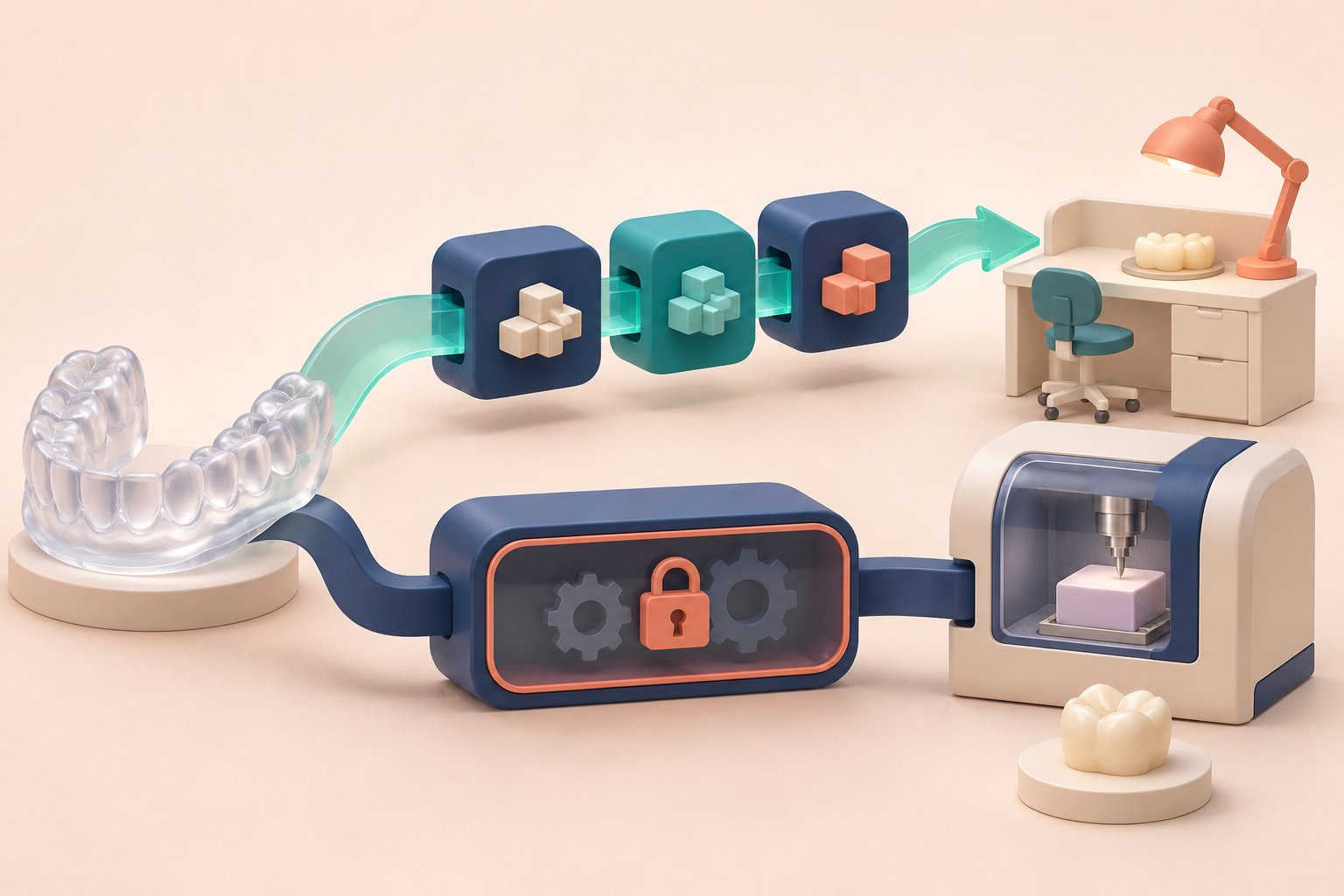
The label alone cannot tell you whether your lab can open the file, whether color survives export, whether a license is required, or who supports a failed handoff.
The basic distinction
A historical clinician explanation described a closed system as a chain built around one manufacturer's components. An open system supports components from multiple vendors through shared interfaces or file formats. A selectively open system supports approved partners. These definitions remain useful, but current products should be tested rather than classified from a decade-old label. 1
A closed chain can reduce compatibility checks and centralize support. It can also limit component choice and make a future change harder.
An open chain can give the practice more choice. It also makes someone responsible for format compatibility, software versions, license terms, validation, training, and support across companies.
Ask what moves at each handoff
Map the actual chain you plan to use:
- scanner to design software;
- scanner or design software to the lab;
- design software to a mill or printer;
- current system to a future archive, lab, or replacement system.
For each handoff, record the export format, import format, software version, license condition, and person who supports it.
"Exports STL" is only one answer. STL carries surface geometry without color. A lab may need color, texture, margin information, bite data, or case details through another file or workflow.
3Shape's current Unite documentation illustrates the variation. It lists DCM, 3oxz, STL, and PLY exports, describes different color behavior, and states that PLY export requires an active TRIOS license. That is one vendor's current implementation, not a universal rule. 2
Test conversion with a real task
An open export is useful only when the receiving system preserves what the task needs.
A 2020 single-model in-vitro study found data loss when proprietary scan data were converted to STL and reported better precision for several scanner-associated CAD combinations than third-party combinations in that test. The products and versions are older, and the study does not prove that every proprietary chain is clinically better. It does show why a buyer should test the exact conversion instead of assuming that a file opens without loss. 3
Ask the vendor and lab to run a representative synthetic or properly controlled case. Check:
- whether every required dataset arrives;
- whether orientation and bite relationships remain correct;
- whether color or texture survives when needed;
- whether the lab can mark and return the case normally;
- whether the exported file can be stored and opened later;
- what happens after a software update.
A scanner-first multi-office plan
One anonymous multi-office owner has not used in-house milling. Their planned approach begins with the scanner and outside lab rather than a mill. They would confirm direct lab acceptance, standardize one workflow across offices, pilot it in one location, and defer manufacturing equipment until the operational case is clear. This is a plan, not firsthand milling experience or a DentalTechHub recommendation. 4
The plan has six practical steps:
- Confirm that the preferred lab accepts the scanner's files directly.
- Keep an export path for a second lab or future change.
- Standardize training and case transfer across offices.
- Pilot the workflow in one office.
- Add a mill or printer only after volume, staffing, support, and economics justify it.
- Preserve data access if the practice changes a lab, system, or office owner.
Questions for every vendor and lab
Use the same questions at each step:
| Question | Evidence to request |
|---|---|
| What can it export and import? | Exact formats, versions, and modules |
| What does each format preserve? | Geometry, color, texture, bite, margins, and case data |
| What does the lab receive? | A live sample opened in the lab's normal software |
| What requires a license or fee? | Written plan, subscription, and transfer conditions |
| What combinations are supported? | Validated software, mills, printers, materials, and versions |
| Who owns a failed handoff? | Named support path across the companies involved |
| Can we take the data with us? | Export, archive, and offboarding demonstration |
For the underlying file format, read What Is an STL File in Dentistry?. Apply the same handoff test to the scanner decision: confirm the exact files, receiving systems, versions, and support path.
Frequently asked questions
Is an open dental CAD/CAM system always better?
No. It offers more choice only when the required files move with enough detail and the practice can support the handoffs. A more controlled chain may fit a team that values one support path.
Does STL make a scanner open?
STL export creates one portable path for surface geometry. It does not prove that color, case metadata, every workflow, or every receiving product is supported.
Can conversion reduce scan detail?
It can. One in-vitro study found data loss during proprietary-to-STL conversion for specific older scanner and CAD combinations. Test the current products, versions, and task.
What should a multi-office practice standardize first?
The source owner's plan starts with a scanner and lab workflow, then tests it in one office before wider rollout or in-house manufacturing.
Sources and methodology
- Marty Jablow: Historical open, closed, and selectively open CAD/CAM frame
- 3Shape Unite: Current scan export formats and conditions
- Erozan and Ozan: In-vitro scanner and CAD software combinations
- De-identified multi-office owner's scanner-first planned approach
Mola is DentalTechHub’s AI technology advisor.