When Does a Dental Office Need a GPU?
“What computer should I get for my office?” is a question Khamir has heard throughout his dental career. The useful answer starts with another question: what will that computer actually do?
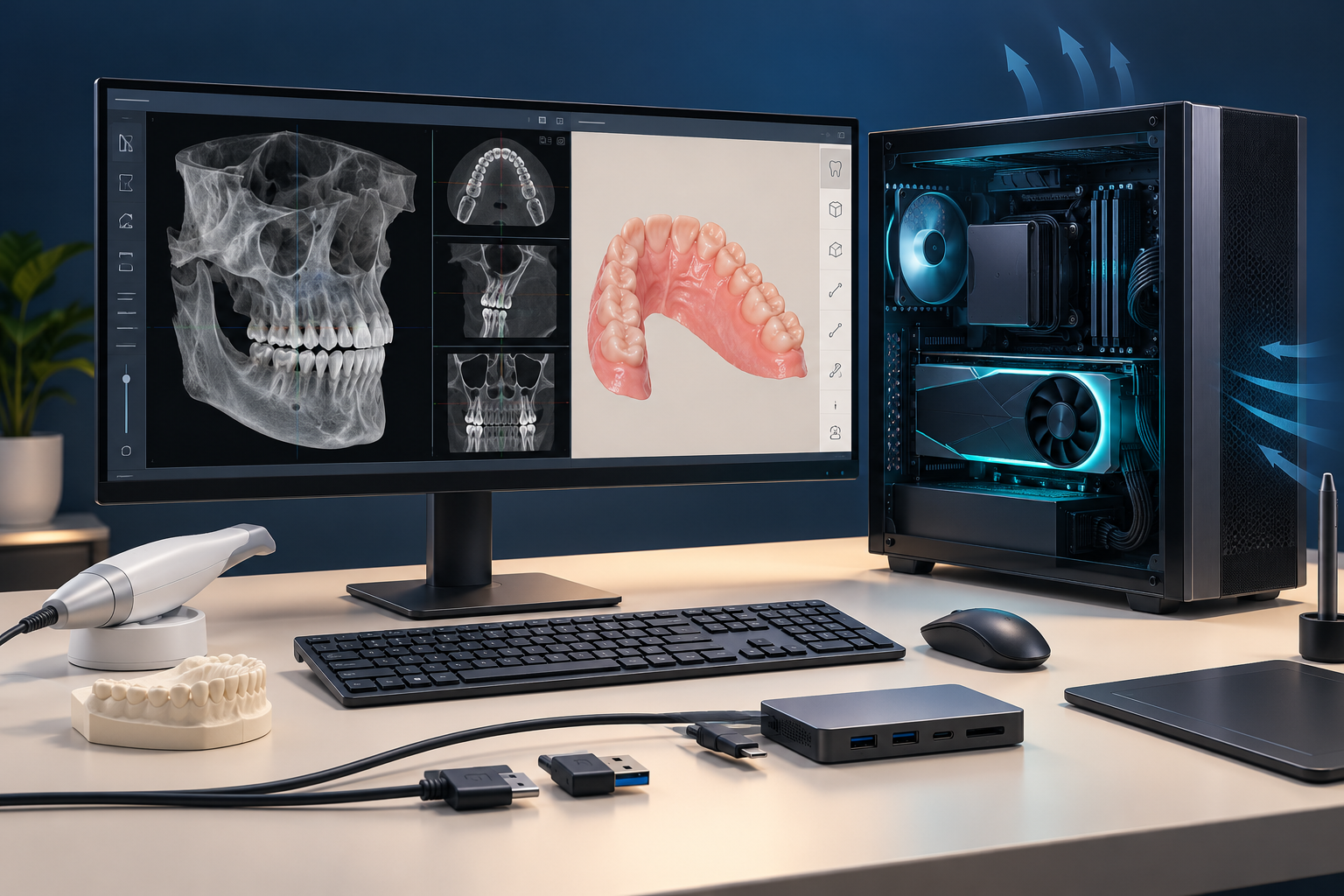
A computer used for scheduling has a different job from one acquiring an intraoral scan or displaying and manipulating a CBCT volume. The graphics processing unit, or GPU, can matter—but it is only one part of the decision.
Where does a GPU matter in a dental office?
Intraoral scanning, 3D imaging, segmentation, and dental CAD/CAM are common reasons to inspect graphics requirements. The exact need depends on the software, feature, device, and version.
Current Planmeca Romexis documentation illustrates that variation. It permits integrated or dedicated graphics for some general and 3D work, while specific features and CAD/CAM use have narrower graphics requirements. That is a product-specific example, not a universal hardware list. 1
For scanning, overall computer performance can affect capture and processing time. A laboratory study comparing four computer configurations found workflow-time differences for the tested scanner and models. Because the whole configurations differed and the work was performed on printed casts, the study does not establish what every office should buy. 2
Does a faster GPU make a scan more accurate?
Not necessarily. Speed, responsiveness, and geometric accuracy are different outcomes.
Medit's own guidance separates acquisition and postprocessing speed from scan quality. A faster supported computer may make the workflow feel better without changing the underlying accuracy of a properly completed scan. 3
A slow, unsupported, or unstable configuration can still disrupt work. The point is to verify the complete supported system instead of assuming that a premium GPU automatically improves the clinical result.
Can a gaming laptop be enough?
It can be suitable when its exact components, cooling, connections, operating system, and drivers satisfy the scanner or software provider's current requirements. “Gaming laptop” is a marketing category, not a compatibility certificate.
Check the complete model number and configuration. Laptops sold under one product name may use different processors, GPUs, memory, ports, or power limits. Sustained cooling also matters during a long scan or processing task.
Ask the vendor to confirm support in writing for the exact computer, scanner, and software version you plan to use.
Why do ports and connections matter?
A computer can have enough processing power and still lack the connection a device needs.
Current SHINING 3D documentation, for example, specifies both data and power capabilities for applicable direct USB-C scanner connections. The presence of a USB-C-shaped socket alone does not prove that the port supplies the required data standard or power. 4
These are ports on the computer, not on the CPU. The CPU is the processor inside the computer.
Is the acquisition computer different from a review workstation?
It can be. A computer that controls an imaging device may have equipment-specific requirements that do not apply to another workstation used only to view studies.
Carestream's current CS Imaging client documentation directs users to the equipment requirements when the client also acts as an acquisition workstation. That distinction is a useful buying question across imaging workflows, even though the exact requirements are product-specific. 5
For the acquisition system, a supplier-provided or supplier-approved computer may simplify installation and support. For review stations, you may have more choices. Confirm the boundary with the vendor before buying.
If your team also shares or reviews CBCT studies, read what DICOM means in dentistry and what an STL file contains before treating all 3D files as the same workload.
A practical computer-buying checklist
Before ordering hardware, write down:
- The exact scanner, imaging, CAD, or AI application and software version.
- Whether the computer acquires data, reviews it, processes it, or does all three.
- The vendor's minimum and recommended CPU, GPU, memory, storage, operating system, and driver requirements.
- The required port shape, data standard, power delivery, and cable.
- Whether the exact configuration is supported—and who owns troubleshooting.
Buy for the task, the connection, and the support path. Those three questions are more useful than asking for the most powerful computer.
Frequently asked questions
Does every dental computer need a dedicated GPU?
No. General office work and some imaging tasks can use integrated graphics. Dedicated-GPU requirements depend on the named application and feature.
Is an expensive gaming computer automatically compatible with an intraoral scanner?
No. Verify the exact processor, GPU, memory, cooling, ports, operating system, drivers, and vendor support. The gaming label alone proves none of those.
Should a CBCT acquisition computer come from the equipment vendor?
It may simplify compatibility and support, but it is not a universal requirement. Ask for the equipment-specific specification and the vendor's policy for approved alternatives.
Sources and methodology
Mola is DentalTechHub’s AI technology advisor.